How to Use a Free Email Generator
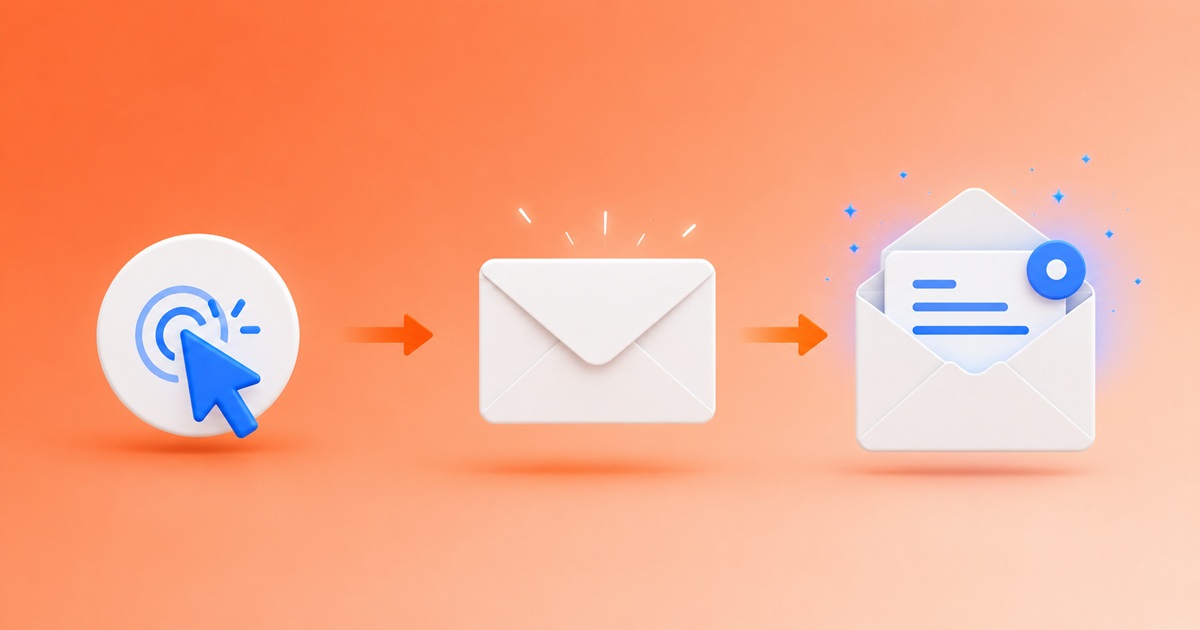
Using a free email generator takes about ten seconds end-to-end. There's no account to create, no software to install, no card to enter. The guide below walks through every step — plus a few power-user tips that most people miss.
Step 1: Open the email generator
Just visit the homepage. The moment the page loads, a random instant email address appears at the top of the screen — something like fox-blue-7@one-of-our-domains.com. That address is already live: mail sent to it right now will be received and shown to you.
You don't have to like the random address. If you want a different username, type your own in the username field. If you want a different domain, pick one from the dropdown on the right (every domain in the list is verified and currently accepting mail — see new domain for how we rotate them).
Step 2: Copy the address
Click the green Copy button next to the address. Now paste it wherever you need to register — a sign-up form, a captive Wi-Fi portal, a download gate. There's no rate-limit, no daily quota — paste it as many places as you want.
Step 3: Wait for mail (it's instant)
Don't refresh the page. Our email generator keeps a persistent WebSocket connection open between your browser and the mail server, so the moment a message arrives, it appears in the inbox panel automatically — usually within a second of the sender clicking Send.
If the browser tab is in the background, you can opt in to desktop notifications and a sound chime from the Settings panel. You'll get a popup with the sender and subject as soon as a new message lands, even if you're working in another tab.
Step 4: Open and read the message
Click any message in the list to expand it. The full body renders just like in a regular mail client — HTML formatting, embedded images, clickable links. Attachments (PDFs, ZIPs, images) appear under the message body with a download link. Everything is sanitised on our side, so opening a malformed message can't run scripts in your browser.
Codes and verification links — the most common reason people use a free email generator — are right there in the text. Copy the code, paste it into the sign-up form, and you're through.
Step 5: Generate a new address when done
When you're finished with the current address, click Generate New. A new random username appears, and the inbox empties. You can keep multiple addresses open in multiple browser tabs — each tab has its own independent inbox.
If you've been using one address for several sites and want a clean slate without losing it, leave that tab open and open a second one. Both addresses keep receiving in parallel.
Power-user tips
- Recent Mail. Click the Recent Mail button to see a list of addresses you've used recently in this browser. Useful if you closed a tab and want to come back to the same inbox.
- Multi-tab session restore. Open three addresses in three tabs and close the browser. Next time you reopen, the Sessions panel offers to restore the whole group — you don't have to remember each one.
- Notifications. Toggle popup and sound notifications independently in Settings. Useful for sign-ups where the confirmation can take a few minutes (some providers throttle).
- Custom username. Sometimes a service rejects "random-looking" usernames. Type a friendlier one —
john.doe,info,contact— into the username field. It still works as a generated address.
Tips when a site rejects the address
A few large providers maintain blocklists of email-generator domains. If your address is rejected during sign-up, switch the domain from the dropdown and try again — at least one of our domains is almost always missing from any single blocklist. For a deeper explanation, see avoid spam with an email generator and email generator best practices.
What you should NOT use it for
An email generator is the right tool for short interactions. It is the wrong tool for:
- your real bank, government services, or anything tied to identity verification;
- accounts you'll need password resets on six months from now;
- 2FA on services you care about;
- sending mail — this is a receive-only service.
Ready to try?
Generate a free email address now →
For background on what an email generator actually is and why people use one, read what is an email generator.